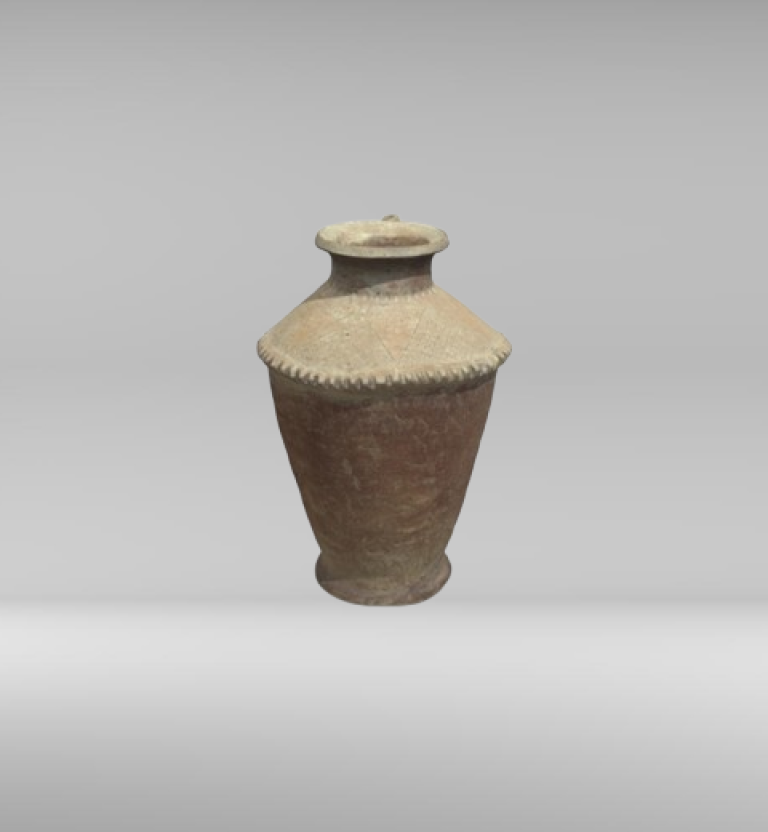
3D scanning is very accurate, but it doesn’t always give you a perfect digital result right away. 3D Scan Model files, which are usually sent as high-density polygon meshes, often have problems like noise, unwanted artifacts, and holes. These problems can happen because of sensor limitations, environmental factors, or line-of-sight issues during capture. To turn this raw data into 3D scan models that can be made or stored, you need to use special software tools to carefully fix the problems. This repair workflow is an important part of the 3DeVOK professional pipeline. It makes sure that the clean, error-free mesh that is ready for reverse engineering or 3D printing matches the high-quality geometry that the scanner captured. The repair process is usually divided into three logical steps: cleaning, continuity, and optimization.
Get rid of noise and clean up artifacts
The first step in the repair process is to get rid of wrong data that makes it hard to see the real surface. Artifacts are things like disconnected spikes and fragments, while noise looks like random changes in the surface or floating polygons.
Automated outlier removal is done by specialized mesh repair software to get rid of these separate parts. Then, intelligent smoothing algorithms improve the surface by changing the positions of the vertices in relation to their neighbors. Adaptive methods are important because they keep real sharp edges and fine details while making things less rough. This process creates a structurally sound base for future volumetric repairs while keeping the shape of the object correct.
Filling in the holes and making sure the water doesn’t leak through
Holes are one of the most common and serious problems with 3D scan models. They happen when the scanner can’t capture a certain area of the surface. This happens in deep holes, dark areas, or on the bottom of an object that was sitting on a platform. A mesh with holes is “non-watertight,” which means it can’t be 3D printed or turned into a solid CAD model with any degree of certainty. The core function of this phase is to close all open boundaries to create a solid, continuous volume.
The software has a lot of advanced tools for filling in holes automatically. For small, irregular voids, the software can quickly patch the area using a simple planar fill, which is effectively a flat closure across the opening. For bigger holes or holes that are more important to the structure, advanced filling options are needed to make sure the shape stays true to life. These advanced algorithms figure out how to add new polygons that match the tangential continuity of the surface around them while keeping the object’s original smooth curve. If the holes are very big or complicated, the engineer may need to use manual repair or Bridge Insertion tools. These tools let the engineer precisely define the boundary and fill the hole with intelligently generated patches. Successfully closing all holes to create a watertight mesh is non-negotiable for anyone intending to use the 3D Scan Model for additive manufacturing or for reverse engineering it into a solid CAD file within the 3DeVOK professional workflow.
Improving the mesh and making sure the geometry is correct
After the first cleaning, the 3D scan model is checked for structural integrity and improved. Professional repair tools automatically find and fix major problems like non-manifold geometry (surface connections that aren’t possible) and self-intersecting polygons, making sure that the math is correct.
The last step in the optimization process uses smart decimation to lower the number of polygons while keeping the accuracy. 3DeVOK scanners make files that are too big because they make very dense data. Decimation algorithms lower the number of polygons in areas with low curvature while keeping the detail in areas with high curvature. This process creates optimized, high-fidelity meshes that keep important geometric accuracy while keeping file sizes small enough for CAD workflows and manufacturing uses.
Final Validation and Integration into the Professional Workflow
The last step in the repair process is a final check and getting ready for the intended output. After all cleaning, filling, and decimation steps are complete, the 3D Scan Model should be subjected to a final Geometric Quality Check to confirm it is fully watertight, free of any new errors introduced during repair, and correctly scaled. The last file is now ready to be sent to a professional. For reverse engineering applications, the clean mesh is passed directly into specialized 3D reverse engineering software like QUICKSURFACE for feature extraction and solid modeling. The mesh is exported as a finished STL or 3MF file that is ready to be 3D printed for manufacturing. This rigorous repair and validation sequence is paramount, ensuring that the initial investment in high-accuracy scanning equipment from 3DeVOK translates into a high-quality, usable, and reliable digital asset.

